Create a vault
You can create a new vault in under 2 minutes. Each vault uses a 2-of-3 key setup: your phone, your Ledger, and our recovery key.
What You’ll Need
- ✅ Oasis Vault mobile app installed
- ✅ An active plan
- ✅ Your Ledger device set up
Step-by-Step Instructions
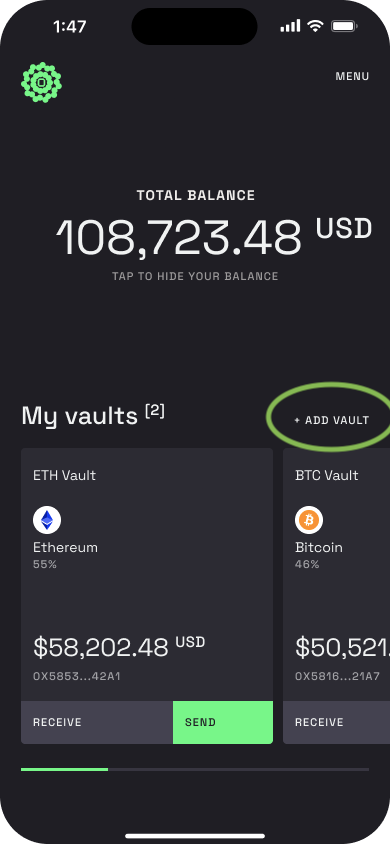
Step 1 – Open the app and tap ”+ Add Vault”
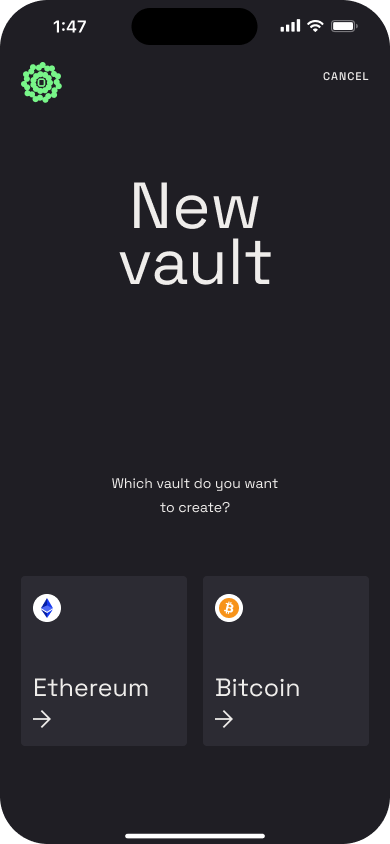
Step 2 – Choose the type of vault you want to create
Pick Ethereum or Bitcoin.
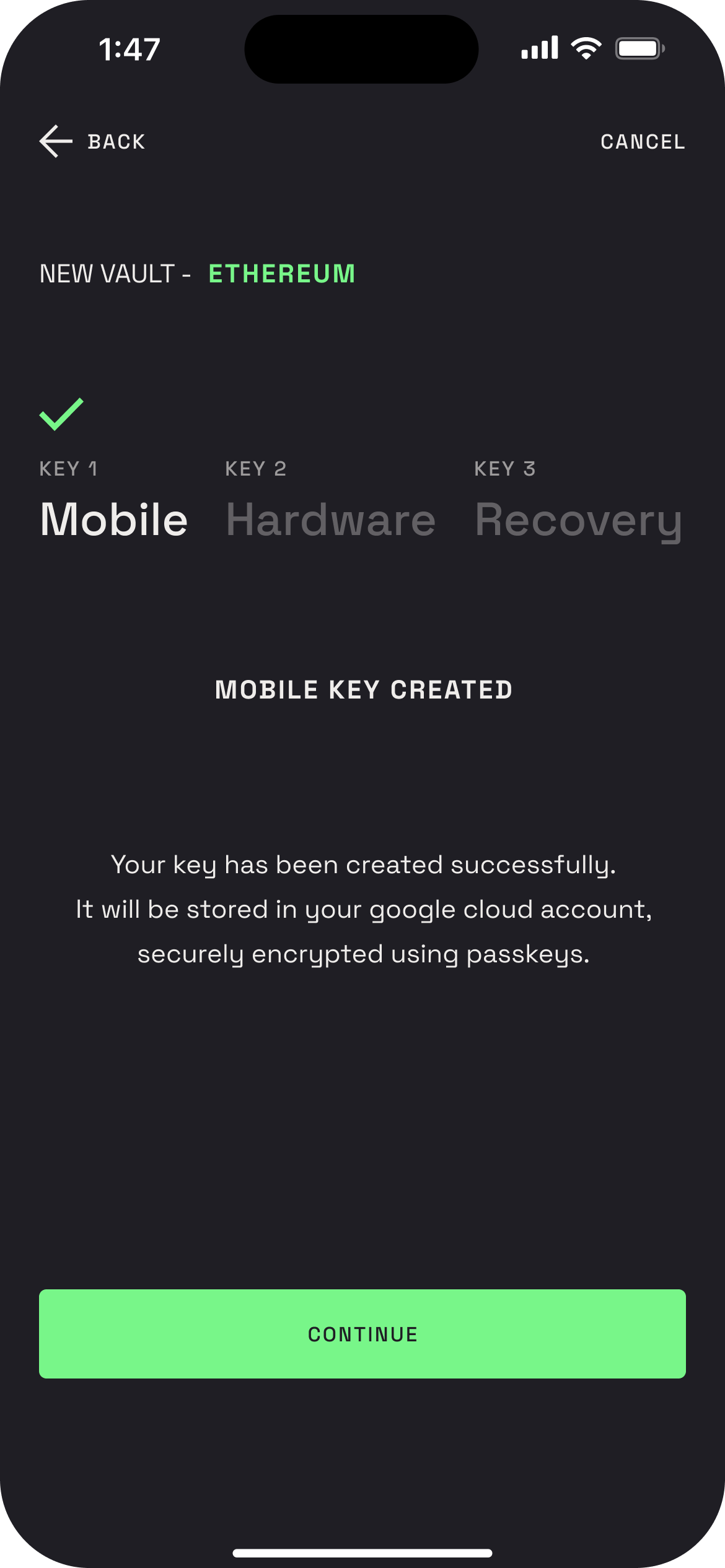
Step 3 – Create and backup your mobile key
You’ll generate your mobile key, which is encrypted and protected with a passkey (a biometric or PIN-based credential on your phone).
This passkey decrypts your seed phrase - so only you can access it.
You’ll then choose how to back it up:
- Option A: Store the encrypted backup in iCloud (recommended)
- Option B: Skip cloud backup and store it manually (only if you prefer full offline control)
The iCloud backup is fully encrypted with your passkey - it’s private, secure, and lets you restore your key easily on a new device.
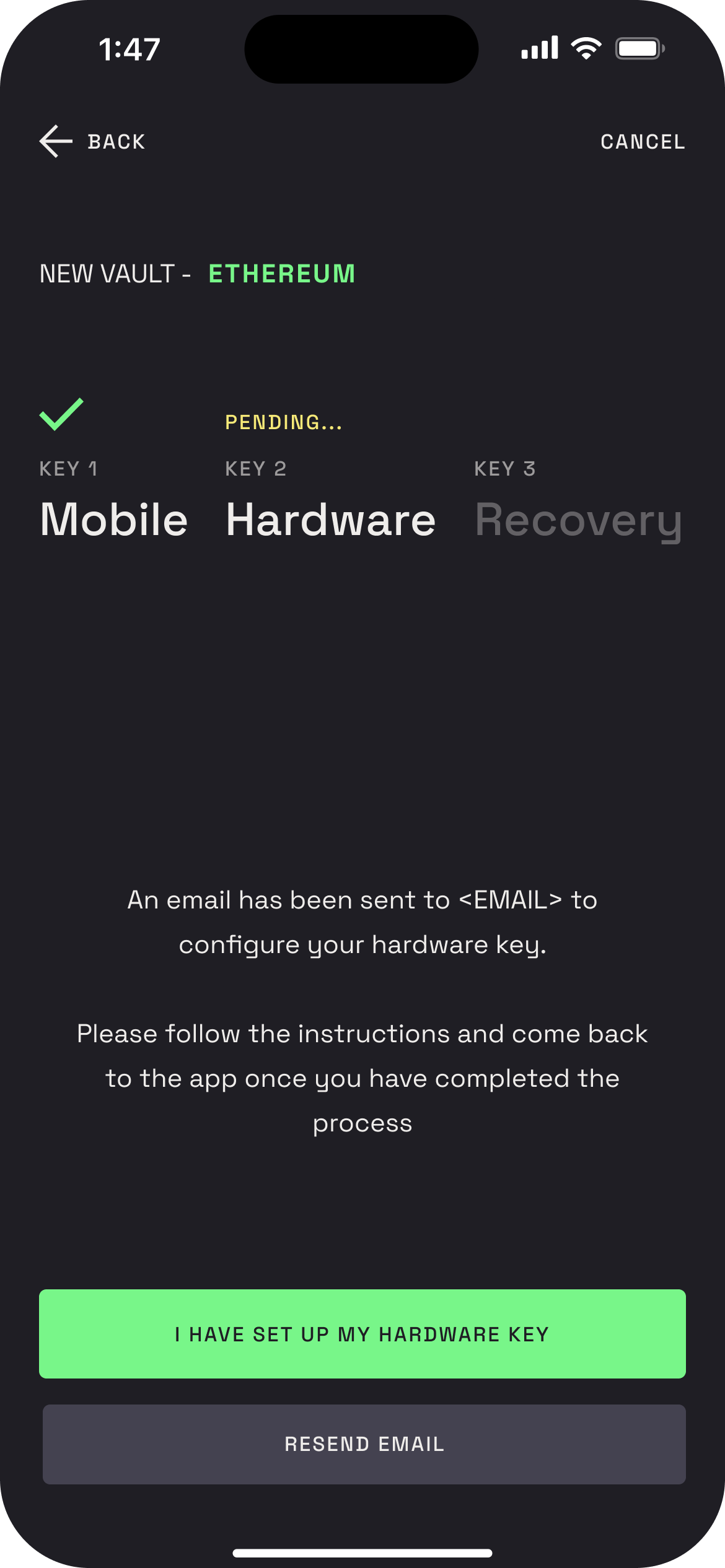
Step 4 – Set up your hardware key
Check your email and follow the instructions on a desktop computer.
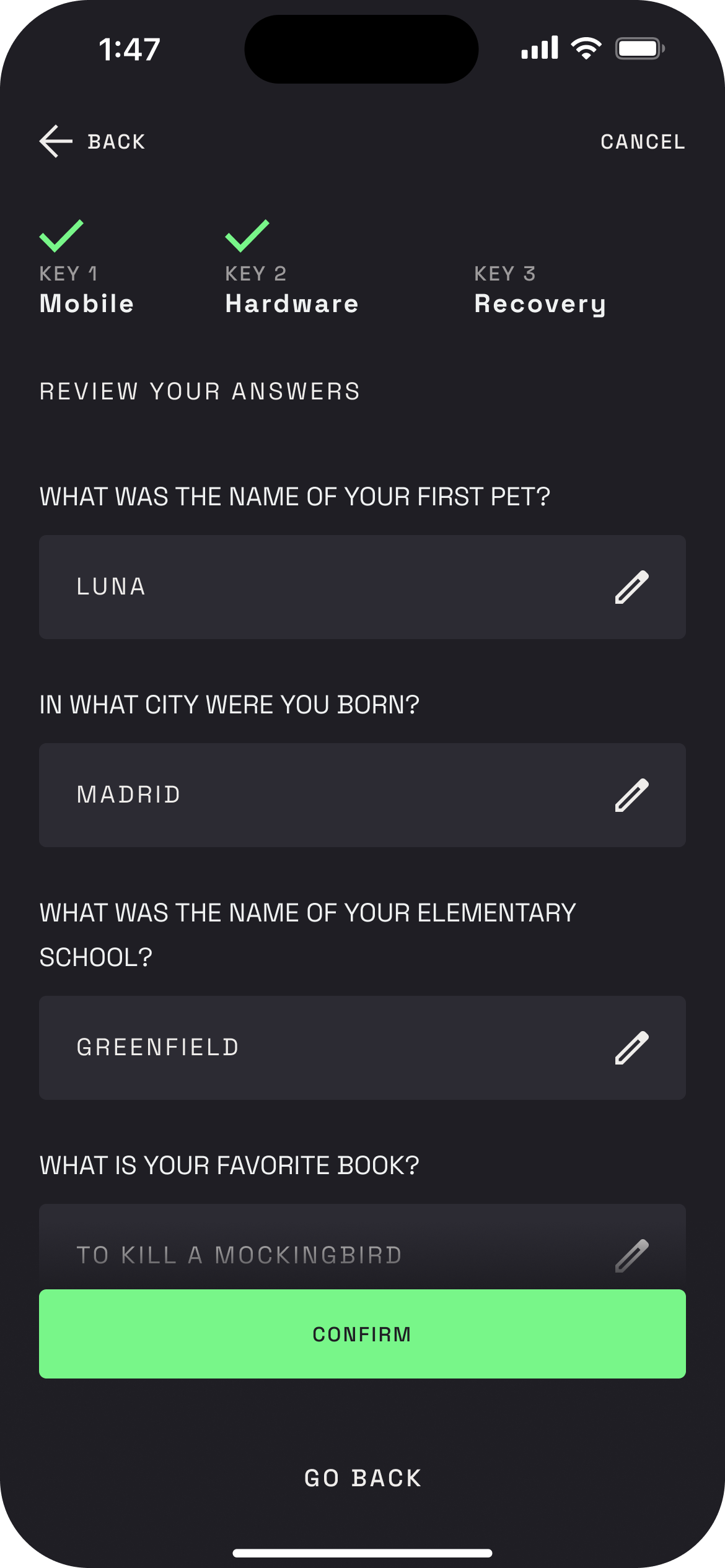
Step 5 – Set your recovery questions (First vault only)
You’ll be prompted to choose and answer 5 recovery questions.
These will only be used if you ever need to trigger a recovery using our support key.
- During recovery, we’ll ask 3 random questions from your set to verify your identity
You now have a fully self-custodied vault secured by 2 of your own keys. Ready to receive BTC or ETH, tokens, and NFTs.