How to recover your vault after losing one key
If you lose either your phone or your Ledger, don’t worry — your vault is still safe and fully recoverable. Oasis Vault’s 2-of-3 multisig structure ensures that as long as you have any two keys, you remain in control.
What You’ll Need
A short checklist.
- ✅ Oasis Vault mobile app installed
- ✅An active plan
- ✅ 1 of your 2 keys
- ✅ A vault set up
Step-by-Step Instructions
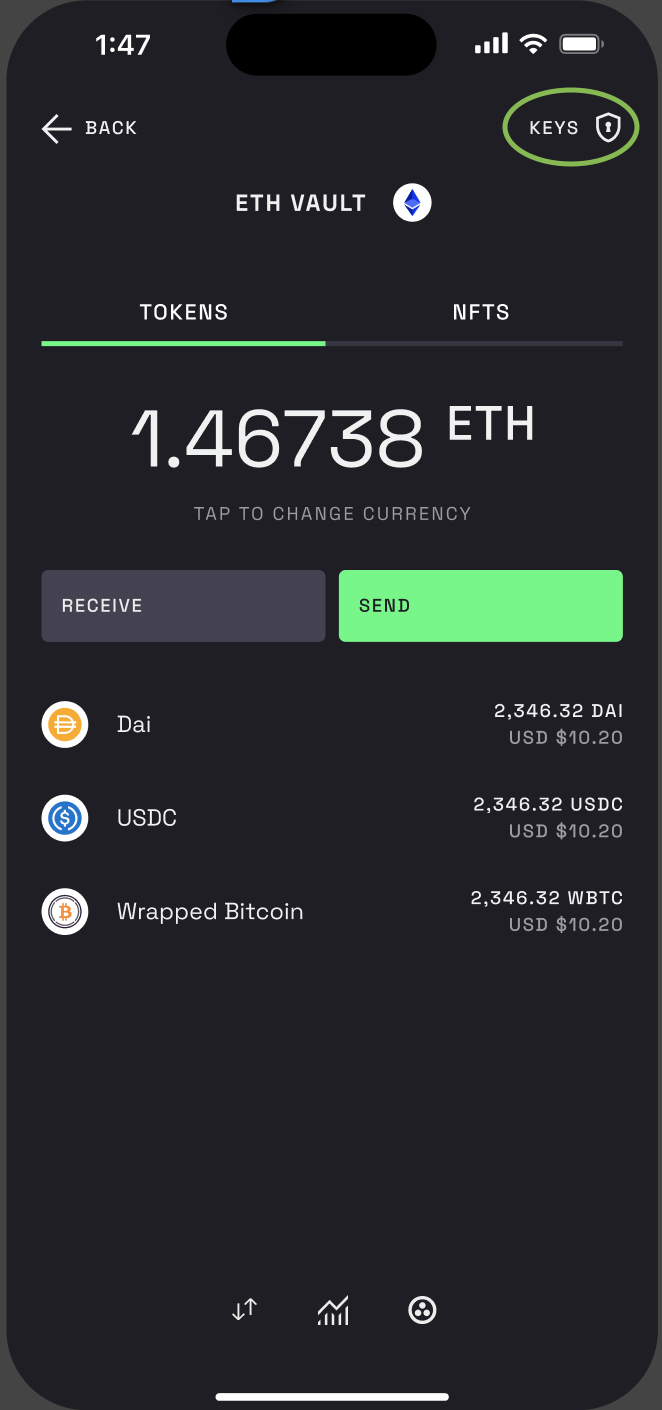
Step 1 – Open the app, tap on the vault you want to recover and tap on “KEYS”
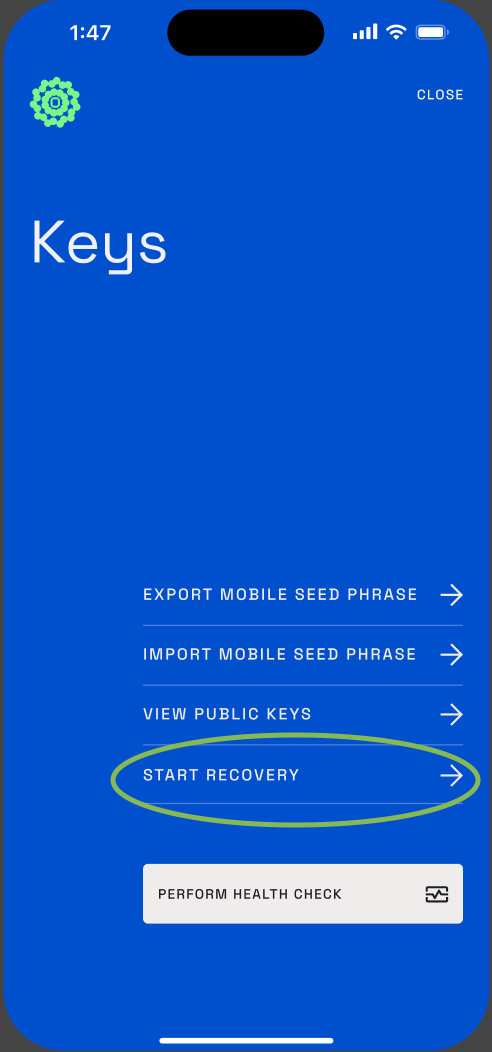
Step 2 – Start the recovery process
Tap “Start Recovery.”
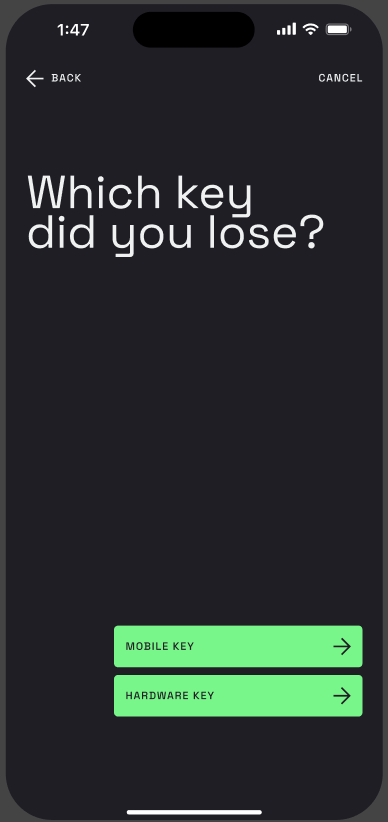
Step 3 – Choose the key you no longer have access to. You’ll be prompted to sign with the key you still control.
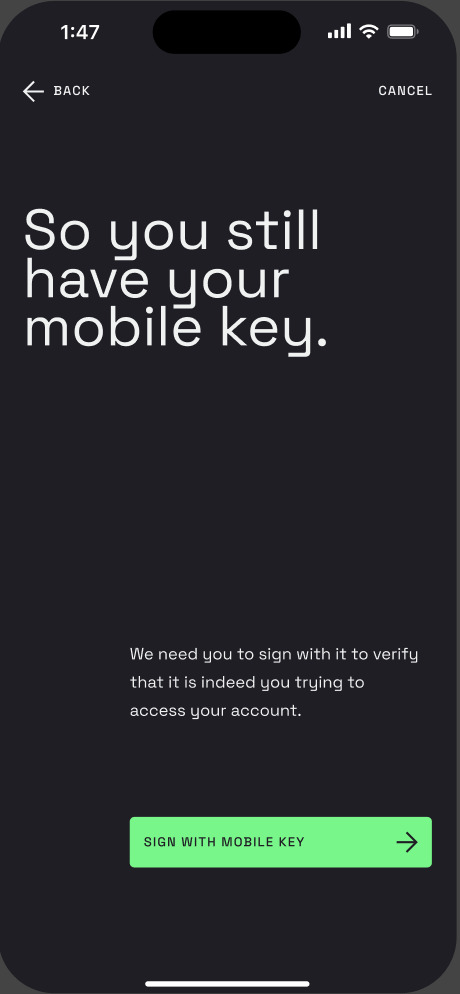
Step 4 – Sign with your remaining key
- If you lost your Ledger:
Tap “Sign with mobile key” and confirm using your phone’s passkey.
- If you lost your phone:
Tap “Send me an email”.
Open the email, follow the link, and sign using your Hardware key.
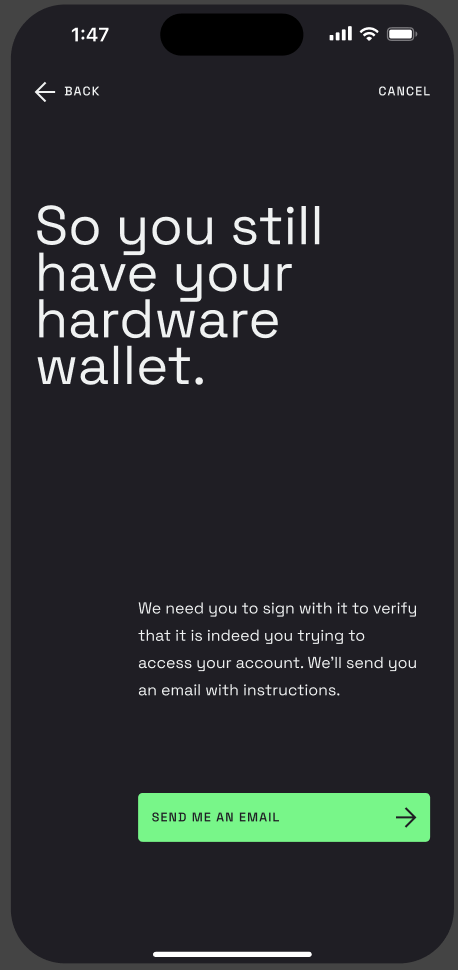
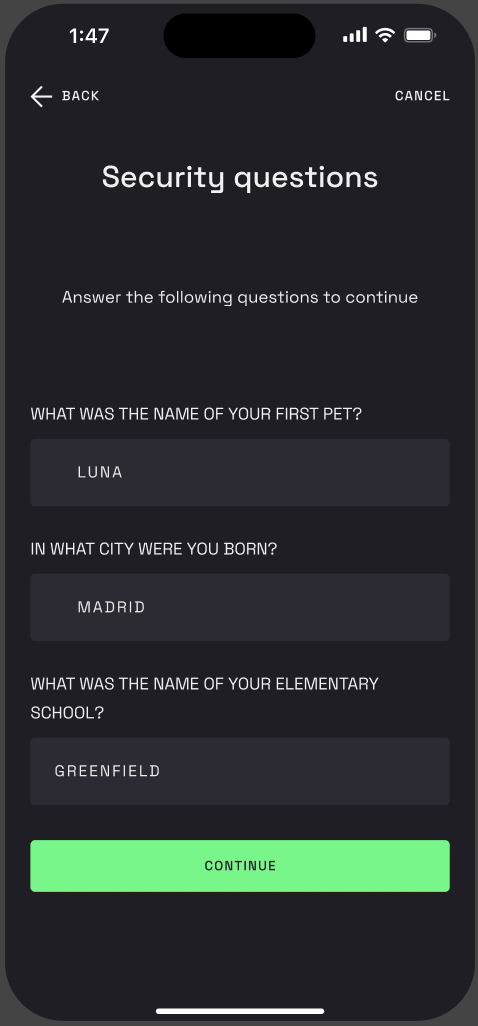
Step 5 – Answer your recovery questions
These are security questions you set up when you created your vault — to help us verify it’s really you.
Step 6 – Choose your recovery destination
- Option A: Create a new vault
You’ll be redirected to the vault creation flow. Follow the steps to create a new secure vault with two fresh keys. - Option B: Send to an external wallet
Paste the external address where you want to send your funds.
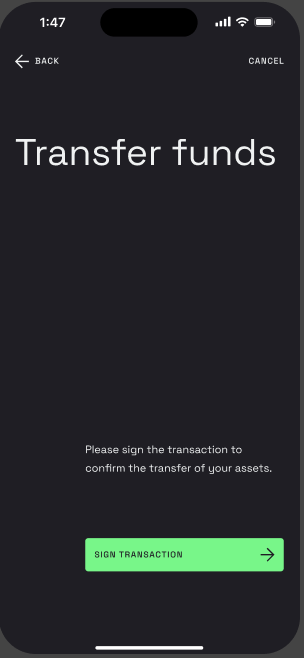
Step 7 – Step 7 – Sign the recovery transaction
- If you lost your Ledger:
You’ll sign the transaction using your mobile key (passkey).
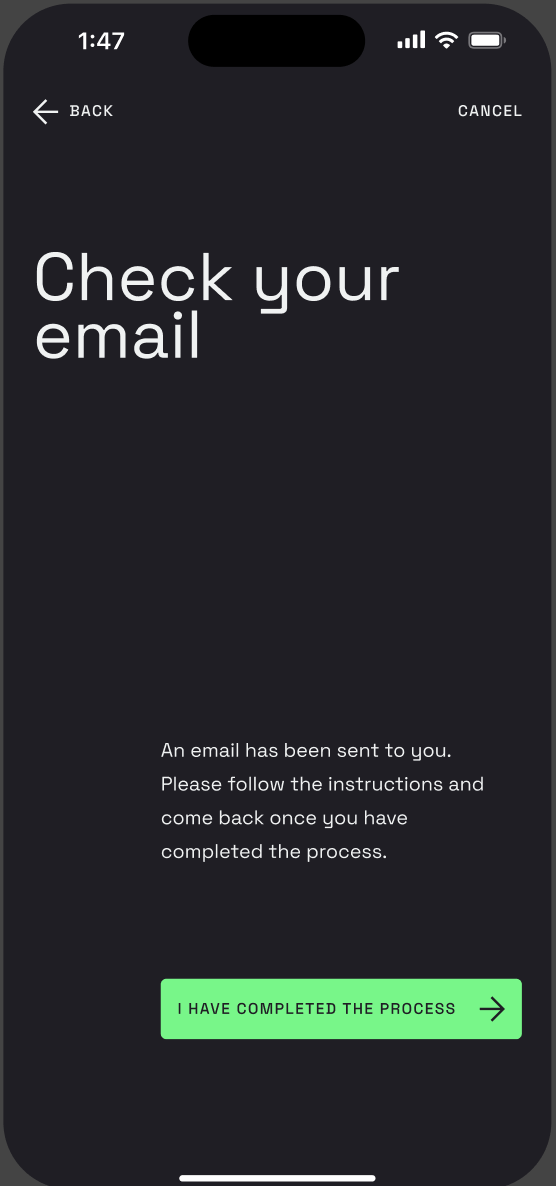
- If you lost your phone:
You’ll receive an email link to sign the transaction with your Hardware key.
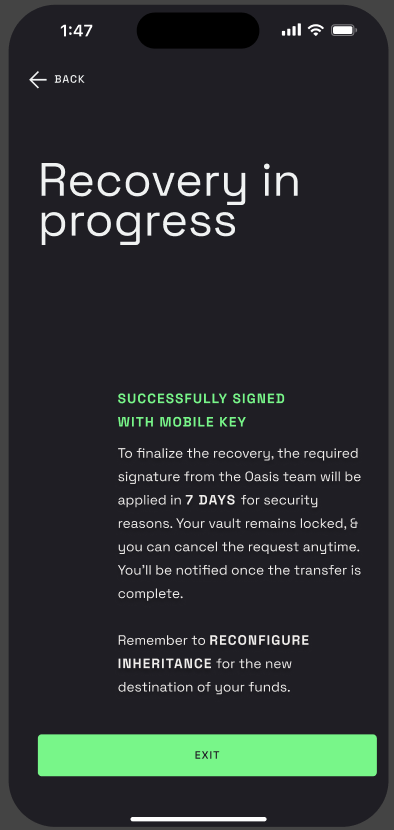
Step 8 -Once you’ve signed the transaction, Oasis will begin a 7-day security hold before signing with our recovery key.
- This delay protects your assets in case of a false recovery request.
- You can cancel the process at any time before the 7 days are up.
\