How to use your everyday wallet
Your everyday wallets are lightweight, single-key wallets for small, frequent transactions. They are separate from your multisig vault - your long-term savings stay protected behind two signatures, while your everyday wallet lets you spend quickly with just your mobile key.
What you’ll need
- ✅ Oasis Vault mobile app installed
- ✅ An active plan
Step-by-step instructions
Step 1 – Create an everyday wallet
Open the Everyday Wallets section and tap New wallet. Tap Next on the intro screen.
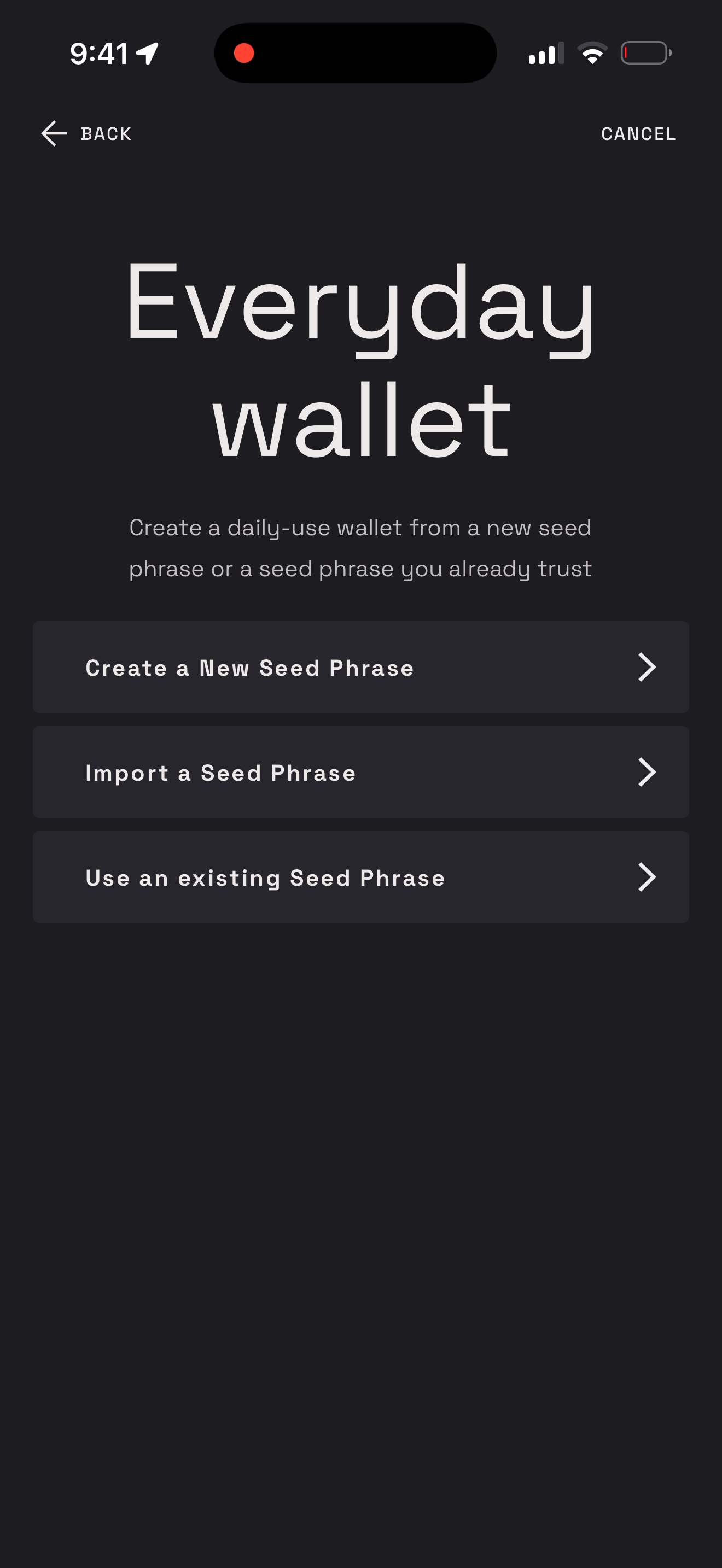
Step 2 – Create a new seed phrase or use an existing one
Choose Create a new seed phrase to generate a fresh everyday wallet, or Use an existing seed phrase to create one from a seed you already hold.
Step 3 – Choose the network
Pick Ethereum or Bitcoin to create the everyday wallet for that network.
Step 4 – Find your everyday wallet
Back in the Everyday Wallets section, your wallet appears under My wallets, labeled with a name like “Eth Wallet 1”. Tap Add wallet to create more.
Step 5 – Send from your everyday wallet
Tap the wallet, enter the amount (use Send Max to send your full balance), paste or scan the destination address, and tap Continue.
Step 6 – Confirm with your mobile key
Everyday wallets are single-key, so a single passkey signature is all that’s needed. No hardware wallet required.